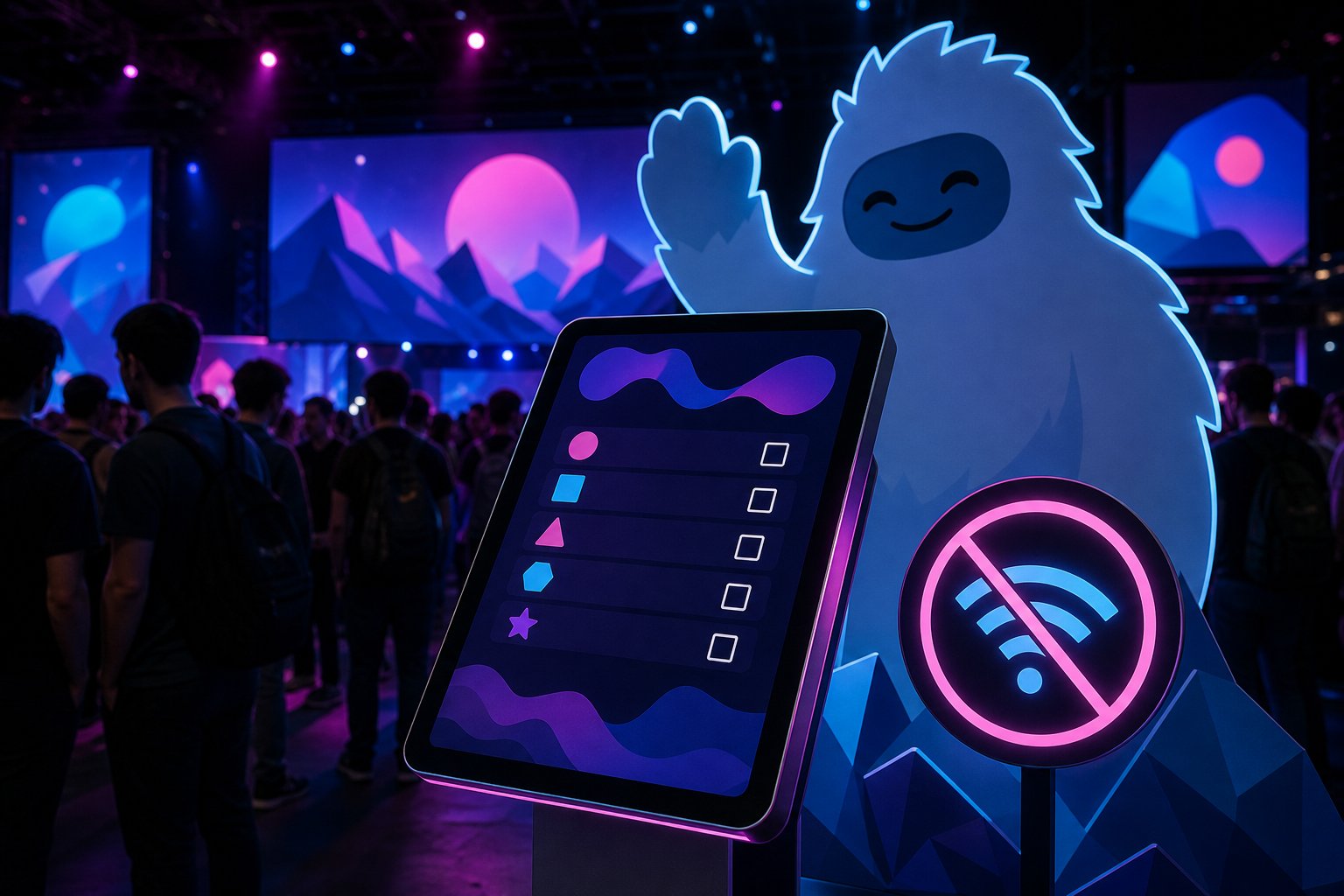
What's up, folks? CCXP just happened this past weekend, and if you stopped by, you probably saw the absolute chaos (in a good way) at the Free Fire booth with their "Casa del Yeti" activation. Everyone was taking pictures, participating, and answering surveys on the tablets. What you saw was a super smooth experience; what I saw was an exercise in architectural survival that I had to code in Flutter.
You see, when marketing folks or agencies design these activations, they always imagine an ideal world where tablets are connected to a 10 Gbps Wi-Fi and everything magically syncs to the cloud. Bullshit! Those of us who have been in this for years know the harsh reality of massive events: you put 50,000 sweaty dudes in a convention center, all uploading Instagram stories at the same time, and the local cell towers collapse. Your precious cloud-based web app gets stuck in an eternal loading spinner, and your activation goes down the drain.
That's why, for Casa del Yeti, I developed the Encuestas-Free-Fire app under one absolute commandment: Offline-first or death.
I built the frontend in native Flutter for Android, optimized specifically to run in landscape mode at 3200x2136 on Xiaomi tablets. No cheap webviews. The flow is simple: one question per screen, auto-advance, and a "Thank you!" at the end. But the real magic is under the hood.
Since we couldn't rely on the network, every response is serialized and saved locally in a responses.jsonl file. Literally, raw text storage on the device. Zero latency, zero network failures. The promo staff could collect thousands of records without the tablet even knowing what the hell the internet is.
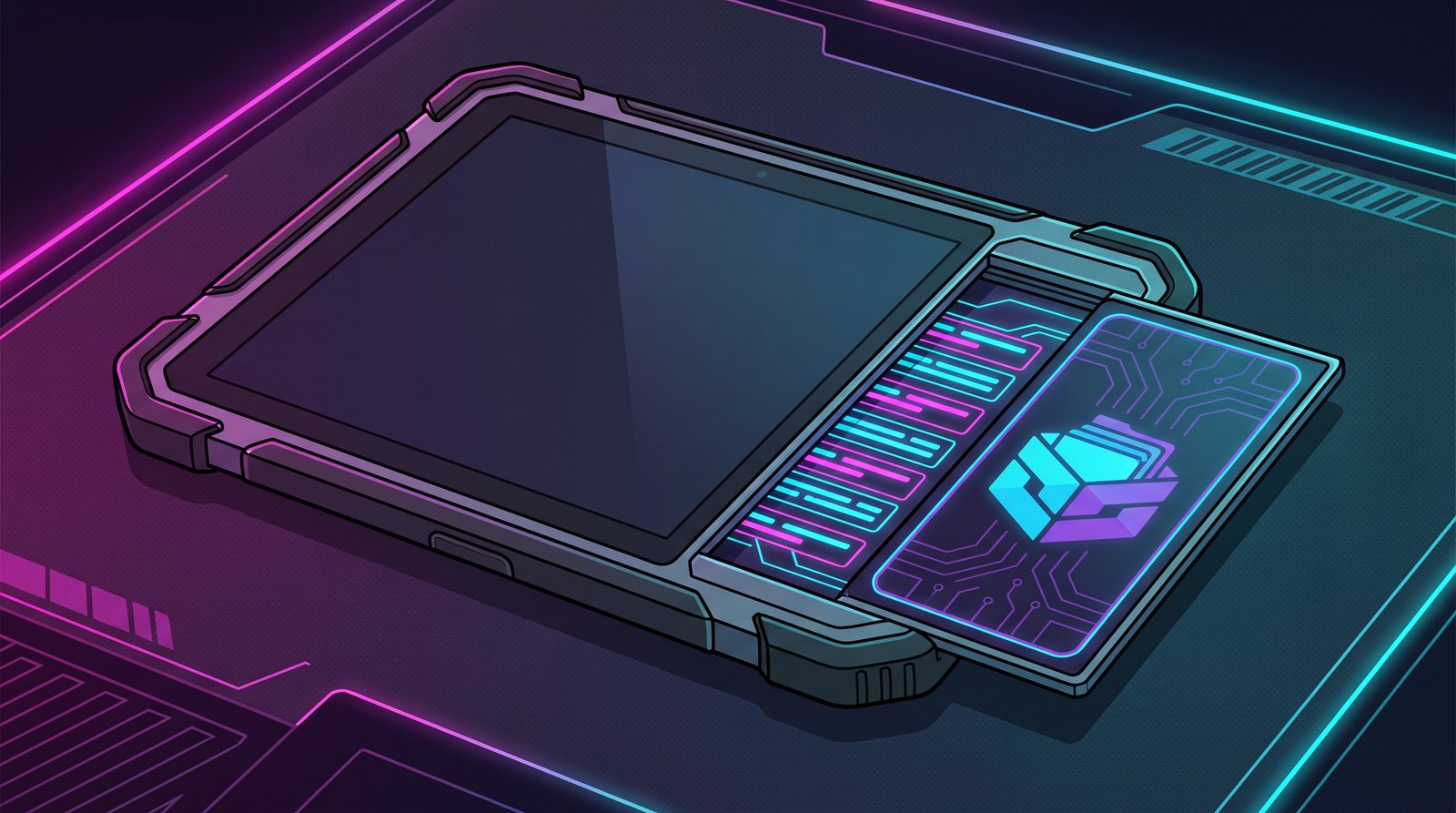
But how do we extract the data if there's no network? This is where I went full James Bond mode. I programmed a hidden admin panel. If you are on the welcome screen and tap the corners of the tablet in a specific order within 3 seconds (top-left, top-right, bottom-left), boom! You enter the secret dashboard.
From there, supervisors could see the real-time survey count and export the raw data to an XLSX file using Android's native share sheet (to transfer it via Bluetooth, cable, or USB). And of course, if by some miracle they caught a signal, I also threw in a direct integration with SendGrid so the app could auto-generate an email and send the attached Excel to the offices. All of this compiled securely by injecting secrets via command line using --dart-define, so the SendGrid API Key wouldn't be floating around in plain text.
At the end of the day, elegant code isn't the one that uses the latest distributed database on AWS; elegant code is the one that understands the physical limitations of the real world and doesn't break. So now you know: if you are going to code for a physical event, assume the internet is a myth. Code locally, secure the data, and let offline design save you from embarrassment.