
Track Lost Deal Reasons in SendPulse CRM and Connect Your WhatsApp Bot
SendPulse rolled out something that looks small on paper but is genuinely valuable for any sales team running bots: you can now mark a deal as lost, pick a predefined reason, and add a free-text comment. Those details get stored in the CRM, show up in your exports, and — most importantly for us — can be used as triggers for automated flows in your WhatsApp bot.
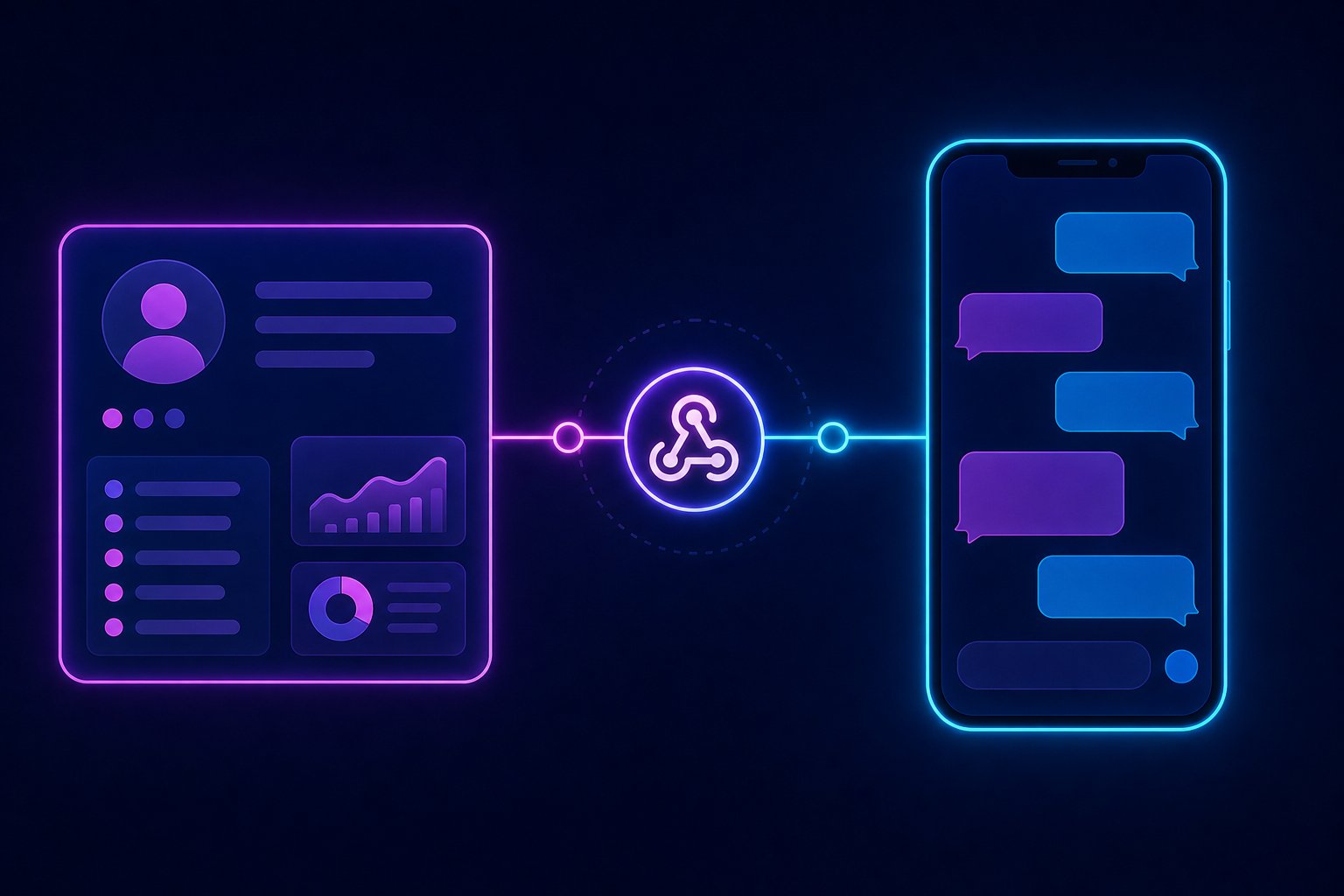
This tutorial assumes you already have SendPulse active with CRM enabled and a WhatsApp bot running on the same account. If your bot isn't set up yet, go to Chatbots > Create bot > WhatsApp first and connect your number. Here we focus on the integration between the CRM and the bot.
Requirements
- SendPulse account with a plan that includes CRM and Chatbots (Standard plan or higher as of 2026)
- WhatsApp Business connected via SendPulse (verified number)
- Existing deals in your pipeline
- SendPulse API access (Client ID and Client Secret from Account > API)
- Node.js 20+ or Python 3.11+ if you're going to use external webhooks
- Ngrok or an HTTPS-enabled server for development webhook testing
Step 1: Configure Loss Reasons in the CRM
Before automating anything, define your reason catalog. Do it right from the start because changing slugs later breaks filters and reports.
- Go to CRM > Settings > Loss Reasons
- Create the reasons that apply to your business. Real examples:
price_too_highchose_competitorno_responseout_of_budgetproject_cancelled
- Save. These slugs are what you'll use in your automation conditions.
When you mark a deal as lost, the system shows a dropdown with these reasons and a free comment field. That comment is stored as lost_comment in the deal object.
Step 2: Enable CRM Webhooks in SendPulse
SendPulse lets you fire a webhook when a deal's status changes. This is what connects the CRM to your external logic.
- Go to CRM > Settings > Webhooks
- Add your destination URL (your server or ngrok in development):
https://yourdomain.com/webhooks/crm - Select the event: Deal status changed
- Save and copy the Webhook Secret SendPulse generates for you
The payload you'll receive looks like this:
{
  "event": "deal_status_changed",
  "deal": {
    "id": "deal_abc123",
    "name": "DJ Wedding Package - Client Ramirez",
    "status": "lost",
    "lost_reason": "price_too_high",
    "lost_comment": "Said they found something cheaper in Guadalajara",
    "contact": {
      "id": "contact_xyz789",
      "name": "Carlos Ramirez",
      "phone": "521234567890"
    },
    "pipeline_id": "pipe_001",
    "updated_at": "2026-06-06T14:32:00Z"
  }
}
Step 3: Webhook Server That Validates and Routes
Here's the core. A simple Express server that receives the webhook, validates the signature, and decides which WhatsApp flow to trigger based on the reason.
// webhook-crm.js
import express from 'express';
import crypto from 'crypto';
import axios from 'axios';

const app = express();
app.use(express.json());

const WEBHOOK_SECRET = process.env.SENDPULSE_WEBHOOK_SECRET;
const SP_CLIENT_ID = process.env.SP_CLIENT_ID;
const SP_CLIENT_SECRET = process.env.SP_CLIENT_SECRET;

// Map reason -> flow ID in SendPulse Chatbot
const FLOW_MAP = {
  price_too_high: 'flow_price_reactivation',
  chose_competitor: 'flow_differentiators',
  no_response: 'flow_last_attempt',
  out_of_budget: 'flow_budget_plan',
  project_cancelled: 'flow_future_recontact',
};

function validateSignature(req) {
  const signature = req.headers['x-sendpulse-signature'];
  const body = JSON.stringify(req.body);
  const expected = crypto
    .createHmac('sha256', WEBHOOK_SECRET)
    .update(body)
    .digest('hex');
  return signature === expected;
}

async function getToken() {
  const res = await axios.post('https://api.sendpulse.com/oauth/access_token', {
    grant_type: 'client_credentials',
    client_id: SP_CLIENT_ID,
    client_secret: SP_CLIENT_SECRET,
  });
  return res.data.access_token;
}

async function triggerFlow(phone, flowId, variables) {
  const token = await getToken();
  await axios.post(
    'https://api.sendpulse.com/whatsapp/contacts/sendFlow',
    {
      phone,
      flow_id: flowId,
      variables,
    },
    { headers: { Authorization: `Bearer ${token}` } }
  );
}

app.post('/webhooks/crm', async (req, res) => {
  if (!validateSignature(req)) {
    return res.status(401).json({ error: 'Invalid signature' });
  }

  const { event, deal } = req.body;

  if (event !== 'deal_status_changed' || deal.status !== 'lost') {
    return res.status(200).json({ ok: true, skipped: true });
  }

  const flowId = FLOW_MAP[deal.lost_reason];
  if (!flowId) {
    console.warn(`No flow assigned for reason: ${deal.lost_reason}`);
    return res.status(200).json({ ok: true, no_flow: true });
  }

  await triggerFlow(deal.contact.phone, flowId, {
    name: deal.contact.name,
    reason: deal.lost_reason,
    comment: deal.lost_comment || '',
    deal_name: deal.name,
  });

  console.log(`Flow ${flowId} triggered for ${deal.contact.phone}`);
  res.status(200).json({ ok: true });
});

app.listen(3000, () => console.log('Webhook listening on :3000'));
Step 4: Create the Flows in SendPulse Chatbot
For each reason, create a flow under Chatbots > Flows. Use the variables you passed ({{name}}, {{reason}}, {{comment}}) in your messages.
Example message for price_too_high:
Hi {{name}}, we know price was a factor. We have a payment plan you might not have heard about. Want me to walk you through it in 2 minutes?
Add quick-reply buttons: Yes, tell me more and No thanks. Based on the response, branch to a human agent or close with a clean goodbye.
Step 5: Export and Analyze the Data
Loss reasons are included in the CRM's CSV export. To automate weekly reports via the API:
curl -X GET "https://api.sendpulse.com/crm/deals?status=lost&date_from=2026-06-01" \
  -H "Authorization: Bearer YOUR_TOKEN" | jq '[.[] | {reason: .lost_reason, contact: .contact.name}]'
Feed that JSON into Google Sheets via Apps Script or a Metabase dashboard. In 2026 there's no excuse not to have this automated.
Production Warnings
- Don't trigger flows if the contact is already in another active flow. Check the contact's status via the API before calling
sendFlow. SendPulse may silence messages if it detects internal spam patterns. - The OAuth token expires in 3600 seconds. Cache it with Redis or in-memory with a timestamp. Don't request a new one on every incoming webhook.
- Always validate the webhook signature. In production, junk requests come in constantly. Without validation, anyone can trigger flows in your bot.
- Respond 200 fast. If your logic takes more than 5 seconds, SendPulse will retry the webhook. Process in the background with a queue (BullMQ, for example) and respond immediately.
- Watch for duplicates. If a deal is marked lost, edited, and marked lost again, you'll receive the webhook twice. Store the
deal.id+ timestamp in Redis with a 60-second TTL to deduplicate.
Expected Result
When your team marks a deal as lost with the reason price_too_high, in under 10 seconds the contact receives a personalized WhatsApp message with an alternative offer. No human intervention. No one having to remember to follow up. And clean data in your CRM showing you exactly why you're losing business.
That's what separates a decorative WhatsApp bot from one that actually does work.