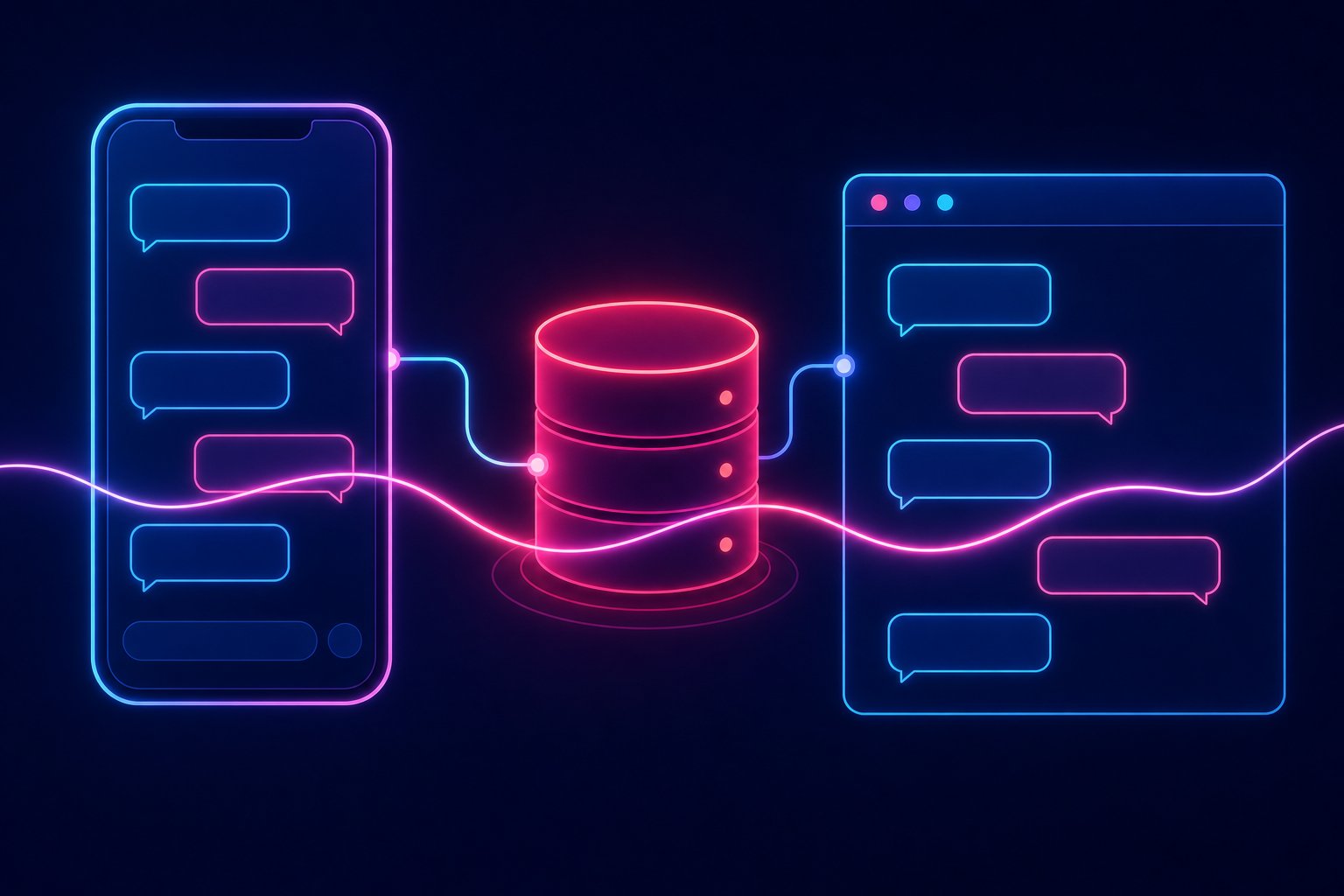
Why Your Bot Has Amnesia and How to Fix It
Picture this: you've been shopping at the same store for three years. The owner knows your name, knows what you usually order, knows you had a shipping issue last month. Now imagine that every single time you walk in, he stares at you like he's never seen you before in his life. That's exactly what your customers experience when your WhatsApp bot fails to preserve context across sessions and channels. It's not a minor UX annoyance — it's a crack in trust that actively erodes retention. Sinch's blog documented this with hard data: customers who experience context discontinuity when switching from chatbot to human agent, or from WhatsApp to email, report active frustration and abandon conversations at significantly higher rates. In 2026, with the infrastructure available today, there is no technical excuse for this to keep happening.
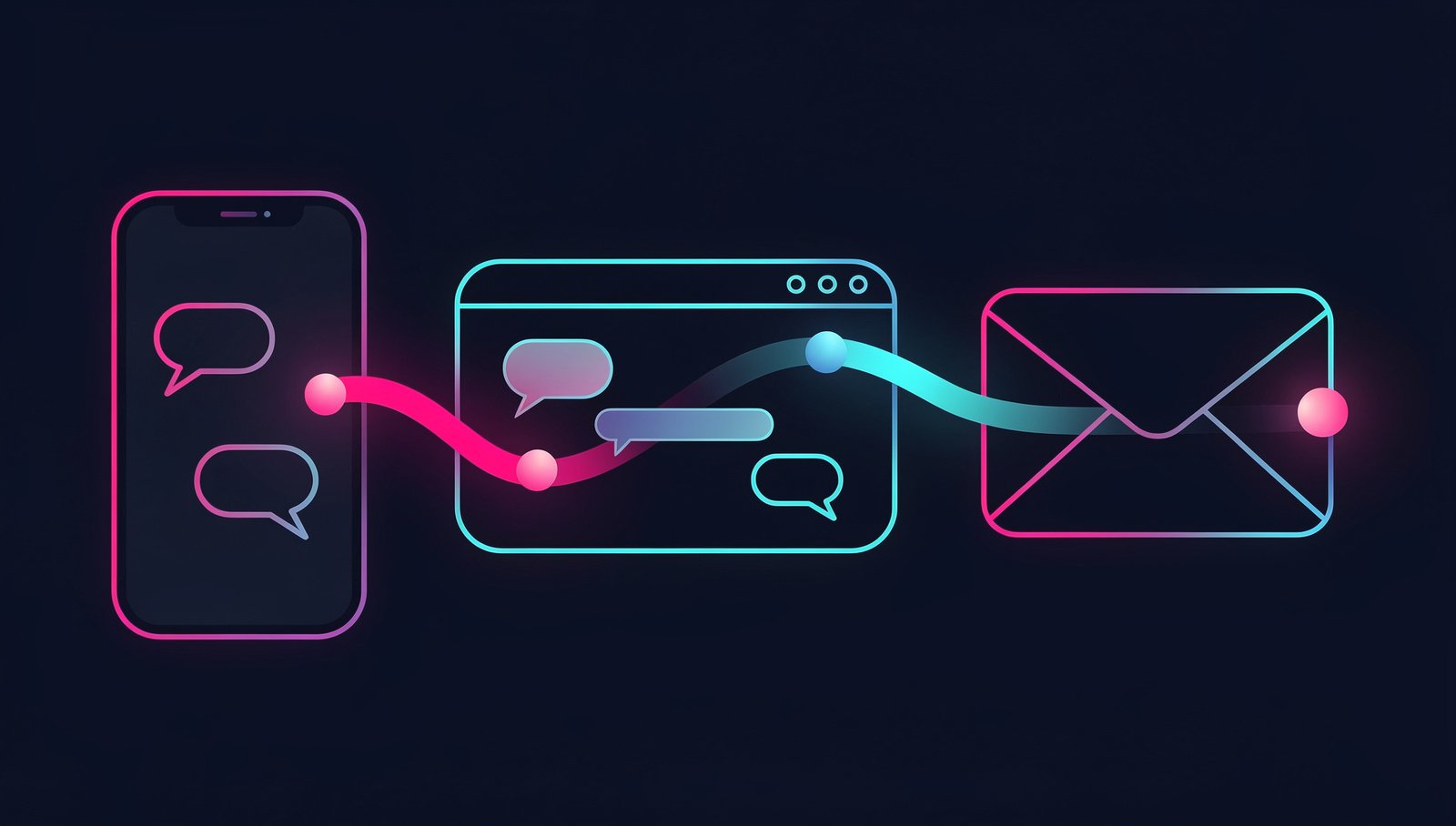
This tutorial walks you step by step through implementing a persistent memory system for your WhatsApp bot using Sinch Conversation API, Redis as a hot-context store, and Node.js as the orchestration layer. By the end, you'll have a bot that remembers: the origin channel, recent history, user profile data, and the exact point where the last conversation left off — regardless of how many days have passed or which channel the customer returns through.
Requirements
- Active Sinch account with access to Conversation API (Developer plan or higher)
- Verified WhatsApp Business number linked to Sinch
- Node.js 20+ installed
- Redis 7+ (Redis Cloud free tier works fine to start)
ngrokor a public-IP server to receive webhooks in development- Environment variables configured (
.envwith your credentials)
Step 1: Configure Your App in Sinch Conversation API
Log into the Sinch Dashboard, create a new Conversation App, and link your WhatsApp channel. Note your APP_ID and generate a service ACCESS_TOKEN.
# Install project dependencies
npm init -y
npm install express axios redis dotenv
Create your .env:
SINCH_APP_ID=your_app_id_here
SINCH_ACCESS_TOKEN=your_access_token_here
SINCH_PROJECT_ID=your_project_id_here
REDIS_URL=redis://localhost:6379
PORT=3000
Step 2: Initialize the Redis Client with Smart TTL
Hot context doesn't need to live forever. Set a base TTL of 30 days for active users and renew it on every interaction. If a user doesn't return within 30 days, the context expires cleanly.
// redis.js
import { createClient } from 'redis';

const client = createClient({ url: process.env.REDIS_URL });
client.on('error', (err) => console.error('Redis error:', err));
await client.connect();

const CTX_TTL = 60 * 60 * 24 * 30; // 30 days in seconds

export async function getContext(contactId) {
  const raw = await client.get(`ctx:${contactId}`);
  return raw ? JSON.parse(raw) : null;
}

export async function setContext(contactId, context) {
  await client.set(
    `ctx:${contactId}`,
    JSON.stringify(context),
    { EX: CTX_TTL }
  );
}

export async function mergeContext(contactId, patch) {
  const existing = (await getContext(contactId)) || {};
  const updated = { ...existing, ...patch, updatedAt: Date.now() };
  await setContext(contactId, updated);
  return updated;
}
Step 3: Build the Sinch Webhook Receiver
Sinch sends events to your endpoint when a message arrives. Here you capture the message, retrieve the user's context, enrich it, and execute your business logic.
// server.js
import express from 'express';
import { getContext, mergeContext } from './redis.js';
import { sendReply } from './sinch.js';

const app = express();
app.use(express.json());

app.post('/webhook', async (req, res) => {
  res.sendStatus(200); // Respond fast to Sinch, process asynchronously

  const event = req.body;
  if (event.message_event?.message?.text) {
    const contactId = event.message_event.contact_id;
    const channel = event.message_event.channel_identity?.channel || 'WHATSAPP';
    const incomingText = event.message_event.message.text.text;

    // Retrieve or initialize context
    const ctx = await mergeContext(contactId, {
      lastChannel: channel,
      lastMessage: incomingText,
      lastSeen: Date.now(),
    });

    await handleMessage(contactId, incomingText, ctx, event.message_event.conversation_id);
  }
});

async function handleMessage(contactId, text, ctx, conversationId) {
  const isReturning = ctx.visitCount > 1;
  const greeting = isReturning
    ? `Welcome back. Last time we spoke was ${new Date(ctx.lastSeen - 1).toLocaleDateString('en-US')}.`
    : "Hey there, first time here. Tell me what you need help with.";

  // Update visit counter
  await mergeContext(contactId, { visitCount: (ctx.visitCount || 0) + 1 });

  await sendReply(conversationId, greeting);
}

app.listen(process.env.PORT, () => {
  console.log(`Webhook active on port ${process.env.PORT}`);
});
Step 4: Send Layer Toward Sinch
// sinch.js
import axios from 'axios';

const BASE = `https://us.conversation.api.sinch.com/v1/projects/${process.env.SINCH_PROJECT_ID}`;

export async function sendReply(conversationId, text) {
  await axios.post(
    `${BASE}/messages:send`,
    {
      app_id: process.env.SINCH_APP_ID,
      message: { text_message: { text } },
      conversation_id: conversationId,
    },
    {
      headers: {
        Authorization: `Bearer ${process.env.SINCH_ACCESS_TOKEN}`,
        'Content-Type': 'application/json',
      },
    }
  );
}
Step 5: Human Agent Handoff with Context Intact
The most critical moment is when you escalate to a human agent. This is where 80% of bots fail: the agent receives the ticket with no history. With your Redis store already in place, you have everything you need to serialize the context and send it as metadata to your ticketing system (Zendesk, Freshdesk, whatever you use).
export async function escalateToAgent(contactId, conversationId) {
const ctx = await getContext(contactId);
// Example: create Zendesk ticket with full context
await axios.post('https://yoursubdomain.zendesk.com/api/v2/tickets.json', {
ticket: {
subject: `WhatsApp Escalation - ${contactId}`,
comment: {
body: `Context history:\n${JSON.stringify(ctx, null, 2)}`,
},
tags: [ctx.lastChannel?.toLowerCase(), 'whatsapp-bot'],
custom_fields: [
{ id: YOUR_CUSTOM_FIELD_ID, value: ctx.lastMessage },
],
},
}, {
auth: { username: 'you@email.com/token', password: 'YOUR_ZENDESK_TOKEN' },
});
}
Production Warnings
Do not store raw PII in Redis without encryption. If the context includes names, phone numbers, or payment data, encrypt the value before JSON.stringify, or use Redis with TLS and encryption at rest. Compliance requirements vary by market — GDPR in Europe, LGPD in Brazil, and equivalent frameworks elsewhere. Know your obligations before you ship.
TTL is your friend, not your enemy. Don't be afraid to use it. A 30-day context window is solid for e-commerce; for technical support it might be 90 days. What you should never do is set TTL to infinite: you'll end up with millions of orphaned keys inflating your Redis Cloud bill.
Rate limiting on the webhook. Sinch will retry events if you don't respond in time. Make sure you return 200 immediately (as in the example above) and process asynchronously. If your logic takes more than 5 seconds before responding, Sinch will resend the event and you'll process the same message twice. That creates duplicate tickets, duplicate greetings, and very confused customers.
Actually test the cross-channel scenario end to end. Send a message through WhatsApp, then simulate an incoming call or email, and verify the agent sees the same context. If you don't test it end-to-end, you don't actually know it works. "It looked fine in dev" is not a production guarantee.
Monitor Redis with alerts. Set up alerts on used_memory and on the number of active keys. An unexpected spike can mean a bug is creating duplicate keys, or that your bot is being abused. Redis Cloud and Upstash both have built-in alerting you should enable from day one.
Final Result
With this architecture, your WhatsApp bot stops greeting loyal customers like strangers. It knows when you last spoke, which channel they came from, what problem they had, and it can hand all of that information to a human agent without the customer having to repeat their story from scratch. That's not a nice-to-have feature: it's the minimum standard of respect a loyal customer deserves in 2026.