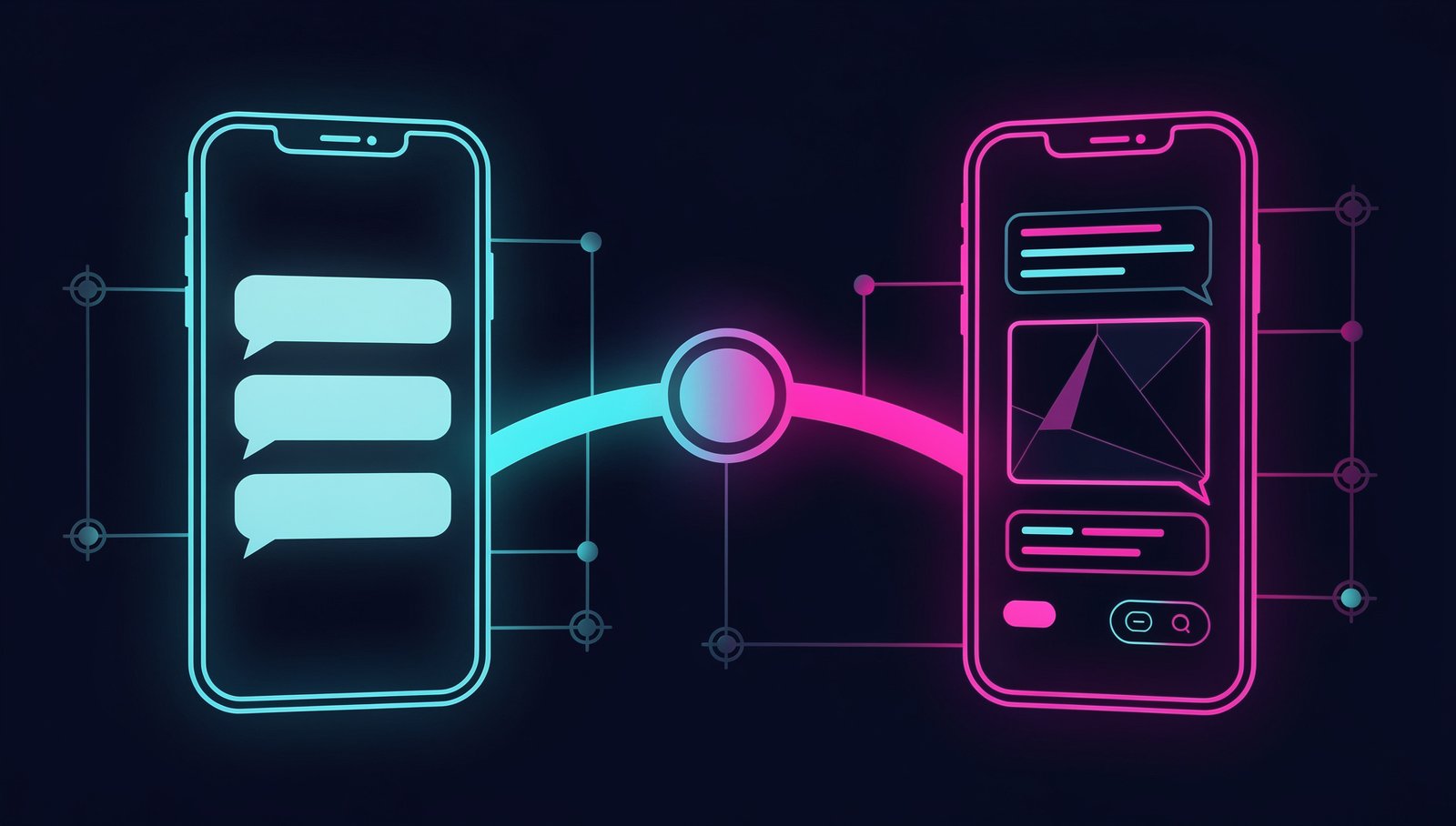
How to Integrate RCS into Your WhatsApp Bot: A Practical 2026 Guide
If you've been building WhatsApp bots for a while, you already know the pain: the user doesn't have the app installed, the number is prepaid with insufficient data, or the market you're targeting has WhatsApp penetration below 60%. In 2026, RCS (Rich Communication Services) is no longer a Google promise — it's the native protocol on virtually every Android running Android 12 or higher, and Apple adopted it fully starting with iOS 18. The channel exists. The question is how to leverage it without throwing away the bot you already built.
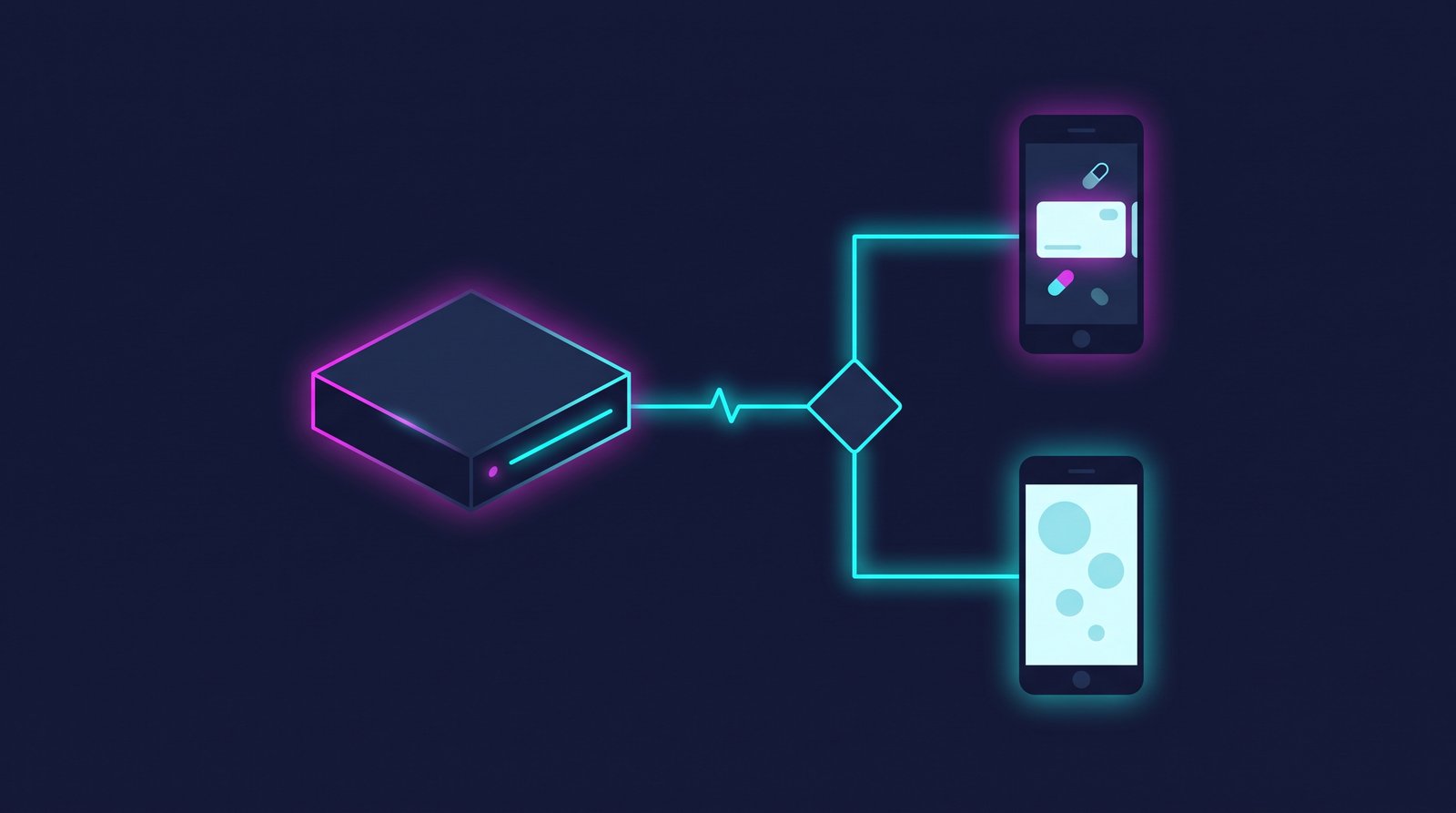
This tutorial shows you how to bridge your existing bot logic (we assume Node.js with Meta's WhatsApp Cloud API) and RCS using Sinch as the intermediary platform. By the end you'll have a system that detects whether a destination number supports RCS, sends the enriched message through that channel when possible, and cascades down to WhatsApp or SMS when it can't.
Prerequisites
- Node.js 20+ installed
- An active Meta Business app with WhatsApp Cloud API configured
- A Sinch account with access to their RCS API (the Conversation API plan includes RCS, WhatsApp, and SMS in a single endpoint — this is key)
- A verified phone number in Sinch with RCS enabled (can take 2-5 business days in production)
- Environment variables configured:
SINCH_APP_ID,SINCH_PROJECT_ID,SINCH_KEY_ID,SINCH_KEY_SECRET
Step 1: Understand how RCS works in production
RCS doesn't travel over the cellular signaling network like SMS. It runs over data — Wi-Fi or mobile data — and connects to an RCS server operated by Google or the carrier. This means two important things for your bot:
- Uncertain delivery: if the user has no active data connection, the message queues up. There's no guaranteed immediate delivery like SMS.
- Agent verification: your bot in RCS must be approved as an "RCS Business Messaging agent" before you can send verified messages with a brand logo and name. Without that, messages go out as generic RCS or get blocked.
Sinch abstracts part of this complexity, but you need to know what to expect.
Step 2: Install the Sinch SDK
npm install @sinch/sdk-core
Configure the client in your main file:
// sinchClient.js
import { SinchClient } from '@sinch/sdk-core';

export const sinch = new SinchClient({
  projectId: process.env.SINCH_PROJECT_ID,
  keyId: process.env.SINCH_KEY_ID,
  keySecret: process.env.SINCH_KEY_SECRET,
});
Step 3: Detect whether the number supports RCS
Before sending anything, query the number's capability. Sinch has an endpoint for this within Conversation API:
// checkCapability.js
import { sinch } from './sinchClient.js';

export async function checkRCSCapability(phoneNumber) {
  try {
    const result = await sinch.conversation.capability.lookup({
      lookupCapabilityRequestBody: {
        recipient: {
          identified_by: {
            channel_identities: [
              {
                channel: 'RCS',
                identity: phoneNumber, // E.164 format: +521234567890
              },
            ],
          },
        },
        app_id: process.env.SINCH_APP_ID,
      },
    });

    const channels = result.capability ?? [];
    return channels.includes('RCS');
  } catch (err) {
    console.error('Error checking RCS capability:', err.message);
    return false;
  }
}
Production warning: this call has latency. On average 300-800ms. Don't call it in real time during an active conversation — cache the result per number for at least 24 hours in Redis or your database.
Step 4: Build the channel logic with fallback
Here's the core of the bridge. The idea is simple: if the number supports RCS, send via RCS. If not, try WhatsApp. If that doesn't work either, SMS.
// sendMessage.js
import { sinch } from './sinchClient.js';
import { checkRCSCapability } from './checkCapability.js';

export async function sendWithFallback(phoneNumber, messagePayload) {
  const supportsRCS = await checkRCSCapability(phoneNumber);

  const channelPriority = supportsRCS
    ? ['RCS', 'WHATSAPP', 'SMS']
    : ['WHATSAPP', 'SMS'];

  const response = await sinch.conversation.messages.send({
    sendMessageRequestBody: {
      app_id: process.env.SINCH_APP_ID,
      recipient: {
        identified_by: {
          channel_identities: channelPriority.map((channel) => ({
            channel,
            identity: phoneNumber,
          })),
        },
      },
      message: messagePayload,
      channel_priority_order: channelPriority,
    },
  });

  return response;
}
And a sample rich card payload (this is what RCS can send that WhatsApp can't natively match):
const richCardPayload = {
  card_message: {
    title: 'Your order is ready',
    description: 'Pick it up before 9pm.',
    media_message: {
      url: 'https://yourdomain.com/assets/order-ready.jpg',
      thumbnail_url: 'https://yourdomain.com/assets/order-ready-thumb.jpg',
    },
    choices: [
      {
        text_message: { text: 'View details' },
        postback_data: 'view_details',
      },
      {
        text_message: { text: 'Cancel order' },
        postback_data: 'cancel_order',
      },
    ],
  },
};
Step 5: Handle response webhooks
RCS and WhatsApp use the same Conversation API webhook in Sinch. Configure an endpoint on your server:
// webhook.js
import express from 'express';
const router = express.Router();

router.post('/sinch-webhook', express.json(), (req, res) => {
  const event = req.body;

  if (event.message) {
    const { contact_id, channel_identity, body } = event.message;
    const channel = channel_identity?.channel ?? 'UNKNOWN';
    const text = body?.text_message?.text ?? '';

    console.log(`Message from ${contact_id} via ${channel}: ${text}`);

    // Connect to your existing bot logic here
    processMessage({ contactId: contact_id, channel, text });
  }

  res.sendStatus(200);
});

export default router;
Warning: Sinch expects a 200 OK in under 5 seconds. If your processMessage takes longer (LLM calls, DB queries), respond with 200 first and process asynchronously.
Step 6: Test in staging before touching production
Sinch has a sandbox for RCS. Enable it from the dashboard and use test numbers to simulate delivery. Messages in sandbox do NOT go to real devices — they're simulated in the portal. Validate:
- That the fallback to WhatsApp works when the number doesn't have RCS
- That card postback_data values arrive at the webhook
- That the capability cache doesn't give you false positives
Final considerations for production
- RCS agent approval: in the US and most markets, major carriers already support RCS Business Messaging, but agent approval can take weeks. Start that process before writing a single line of code.
- Costs: RCS Business Messaging isn't free. On Sinch, the cost per RCS message is similar to WhatsApp but varies by carrier and country.
- Privacy: RCS over Google passes through Google's servers. If your use case handles sensitive data, evaluate compliance implications before enabling the channel.
- Size limits: images in RCS cards have a 1MB limit. Carousel cards support up to 10 elements. Validate your content before sending or you'll get silent errors.
With this you have a functional bridge between your WhatsApp bot and RCS. The channel is already there — you just need to use it.