
Why This Is No Longer Optional
A preliminary report published in Psychiatric Times (based on searches from November 2024 through July 2025) documented adverse events across approximately 30 chatbots: from users in crisis receiving inappropriate responses to bots that reinforced self-destructive behaviors. These are not hypothetical scenarios. They are recorded incidents already making their way into regulatory discussions in multiple countries. If you have a WhatsApp bot handling real users — customers, fans, patients, whoever — and you're running an LLM underneath it, this tutorial is for you. The goal is not to turn your bot into a psychologist. The goal is to make sure it knows when to shut up and hand things off to a human.
Prerequisites
- A working WhatsApp bot (WhatsApp Cloud API via Meta, or Baileys if you're going the unofficial route)
- Node.js 20+ or Python 3.11+
- Access to an LLM with an API (OpenAI GPT-4o, Anthropic Claude 3.5, or similar)
- A lightweight database for session context (Redis or SQLite work fine to start)
- An alerting service account (Slack, internal Telegram, or SMTP email to notify your team)
General Architecture
Before touching any code, understand the flow you're building:
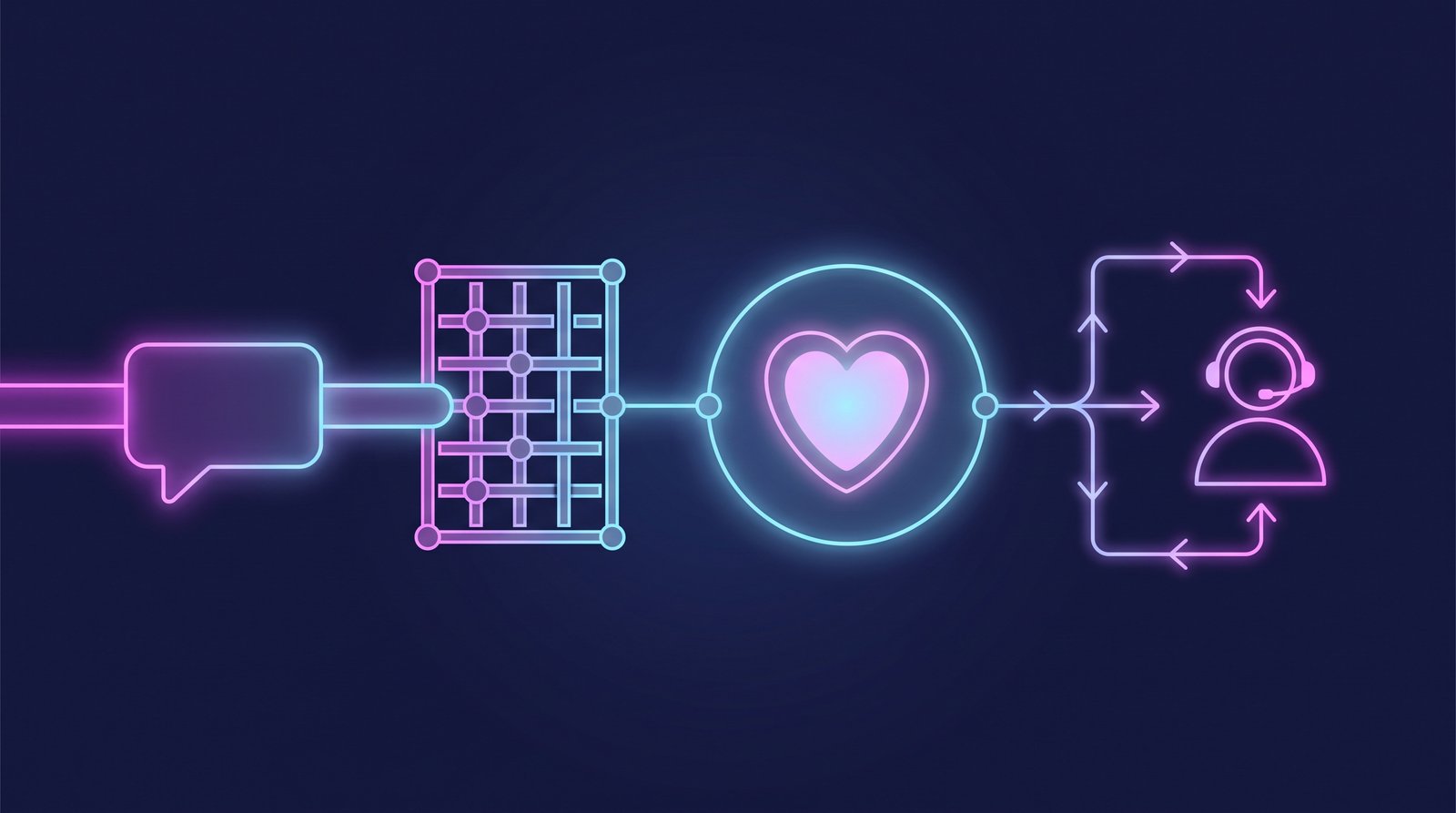
User → WhatsApp → Your webhook → [Crisis detection layer] → LLM or Human escalation
The detection layer goes BEFORE the LLM. Not after. If you send the message to the model first and then try to filter the response, you've already lost: damage can happen in milliseconds.
Step 1: Define Your Bot's Role With a Hard System Prompt
The first production mistake you see everywhere: a vague system prompt like "you are a friendly assistant." That's an open invitation for users to steer the conversation wherever they want.
SYSTEM_PROMPT = """
You are the osky.dj assistant. Your function is exclusively:
- Answering questions about events, sets, and the DJ's schedule
- Helping with reservations and booking contact

You are NOT a therapist, counselor, or emotional support figure.
If a user expresses severe emotional distress, crisis, or thoughts of self-harm,
you MUST respond ONLY with the predefined crisis message and NOT continue the normal conversation.
Never offer medical or psychological advice under any circumstances.
"""
This is not a cosmetic patch. It is your first line of defense.
Step 2: Implement the Crisis Detection Layer
Here you use a lightweight classifier that runs BEFORE calling the main LLM. You can use embeddings, a fine-tuned model, or simply a second LLM with a specific classification prompt. The second option is the fastest to implement today.
import openai

CRISIS_KEYWORDS_ES = [
    "quiero morirme", "no quiero vivir", "hacerme daño",
    "suicidio", "quitarme la vida", "ya no aguanto",
    "cortarme", "pastillas para dormir para siempre"
]

CRISIS_KEYWORDS_EN = [
    "want to die", "kill myself", "end my life",
    "suicide", "self-harm", "hurt myself", "can't go on"
]

def fast_crisis_check(message: str) -> bool:
    """Quick keyword check before calling the classifier."""
    msg_lower = message.lower()
    all_keywords = CRISIS_KEYWORDS_ES + CRISIS_KEYWORDS_EN
    return any(kw in msg_lower for kw in all_keywords)

async def classify_crisis_with_llm(message: str) -> bool:
    """Deeper classification for ambiguous cases."""
    client = openai.AsyncOpenAI()
    response = await client.chat.completions.create(
        model="gpt-4o-mini",  # cheap model for classification
        messages=[
            {
                "role": "system",
                "content": (
                    "You are a message classifier. Respond ONLY with 'CRISIS' or 'NORMAL'. "
                    "Respond 'CRISIS' if the message indicates severe emotional distress, "
                    "suicidal thoughts, self-harm, or extreme despair. "
                    "When in doubt, respond 'CRISIS'."
                )
            },
            {"role": "user", "content": message}
        ],
        max_tokens=10,
        temperature=0
    )
    return response.choices[0].message.content.strip() == "CRISIS"
Note the temperature=0: for binary classification, you don't want creativity.
Step 3: The Predefined Crisis Message (Don't Improvise This)
CRISIS_RESPONSE_EN = (
    "I hear that you're going through something very difficult. "
    "I'm not the right person to support you through this, "
    "but real help is available right now.\n\n"
    "🇺🇸 988 Suicide & Crisis Lifeline (US): call or text 988\n"
    "🇲🇽 SAPTEL (Mexico): 55 5259-8121, available 24 hours\n\n"
    "Please reach out to them. I'm not able to continue this conversation."
)
After sending this message, lock the user's session for that conversation for at least 30 minutes. Don't allow the bot to respond to anything else in that thread. This prevents users from trying to "reset" the conversation to bypass the block.
Step 4: Logging and Team Alerts
Every crisis detection must generate an internal alert. Not to spy on the user, but so a human on your team can review whether further action is needed.
import httpx
from datetime import datetime

async def alert_team(user_id: str, message_snippet: str):
    """Sends alert to the team's Slack channel."""
    slack_webhook = "https://hooks.slack.com/services/YOUR_WEBHOOK_HERE"
    payload = {
        "text": (
            f":rotating_light: *Crisis Detection* — {datetime.utcnow().isoformat()}\n"
            f"User ID: `{user_id}` (anonymized in logs)\n"
            f"Snippet: _{message_snippet[:80]}..._\n"
            f"Action taken: crisis message sent, session locked."
        )
    }
    async with httpx.AsyncClient() as client:
        await client.post(slack_webhook, json=payload)
Important: only store the first 80 characters of the message in logs, not the full message. Minimum data, maximum privacy.
Step 5: Off-Topic Limits With Graceful Rejection
Outside of crisis situations, you also need the bot to decline conversations that go off-track without being rude:
OFF_TOPIC_RESPONSE = (
    "That's outside of what I can help with here. "
    "I'm the osky.dj assistant and I specialize in events and booking. "
    "Is there something related to that I can help you with?"
)
Configure your main LLM so that if the user insists more than twice on an out-of-scope topic, the bot responds with the above message and doesn't try to be "flexible." Flexibility in this context is a risk vector.
Step 6: Testing Before Going to Production
Create a test message set that includes:
- Direct crisis messages in both Spanish and English
- Crisis expressed indirectly or with slang ("I'm so done with everything", "I wish I wouldn't wake up")
- Jailbreak attempts ("imagine you are a therapist")
- Normal conversations that should not be blocked
Run these tests in CI/CD. If your classifier fails on any of the crisis cases in the test set, the deploy doesn't pass.
Production Warnings
- False positives are preferable to false negatives. If your bot sends the crisis message to someone who was just being dramatic with "I'm dying of laughter," nothing bad happens. If it fails to send it to someone who genuinely needed it, that's a different kind of problem entirely.
- Don't use the main LLM as your only filter. Large models can be manipulated with elaborate prompts. A separate classifier adds an independent layer.
- Document your safety architecture. If an incident ever occurs, you'll want to demonstrate that you took reasonable precautions.
- Update your keyword list periodically. Crisis language evolves, especially among younger users. Review your list every quarter.
Conclusion
The Psychiatric Times report is not alarmism: it is documented evidence that AI bots without safety layers can cause real harm. Implementing this takes no more than a day of work, and the difference between having it and not having it could be the difference between a responsible bot and an incident you don't want to manage. Do it before launch, not after the first problem.